




Business Card Size

The Ultimate Guide to Business Card Sizes: Standard, Square, and Rounded Corners Explained
When it comes to business cards, size really does matter. The classic standard business card size of 3.5″ x 2″ has been a longstanding choice worldwide. But have you ever wondered why this particular size is so popular? Or what options do you have if you want your card to stand out from the crowd? This guide will walk you through the dimensions, design considerations, and practical tips to help you choose the perfect size and shape for your business card.
business card size
Why 3.5″ x 2″ is the Standard Business Card Size
The 3.5 inches by 2 inches size isn’t just a random choice—it’s a well-thought-out dimension optimized for convenience and compatibility. This size fits comfortably into wallets, purses, and pockets alongside credit cards, driver’s licences, and appointment cards. The consistency across these essentials makes it easy for people to store and carry your card without hassle.
Additionally, this size balances enough space to include your essential contact information, logo, and branding elements while remaining compact and portable.
Exploring Different Business Card Shapes and Their Dimensions
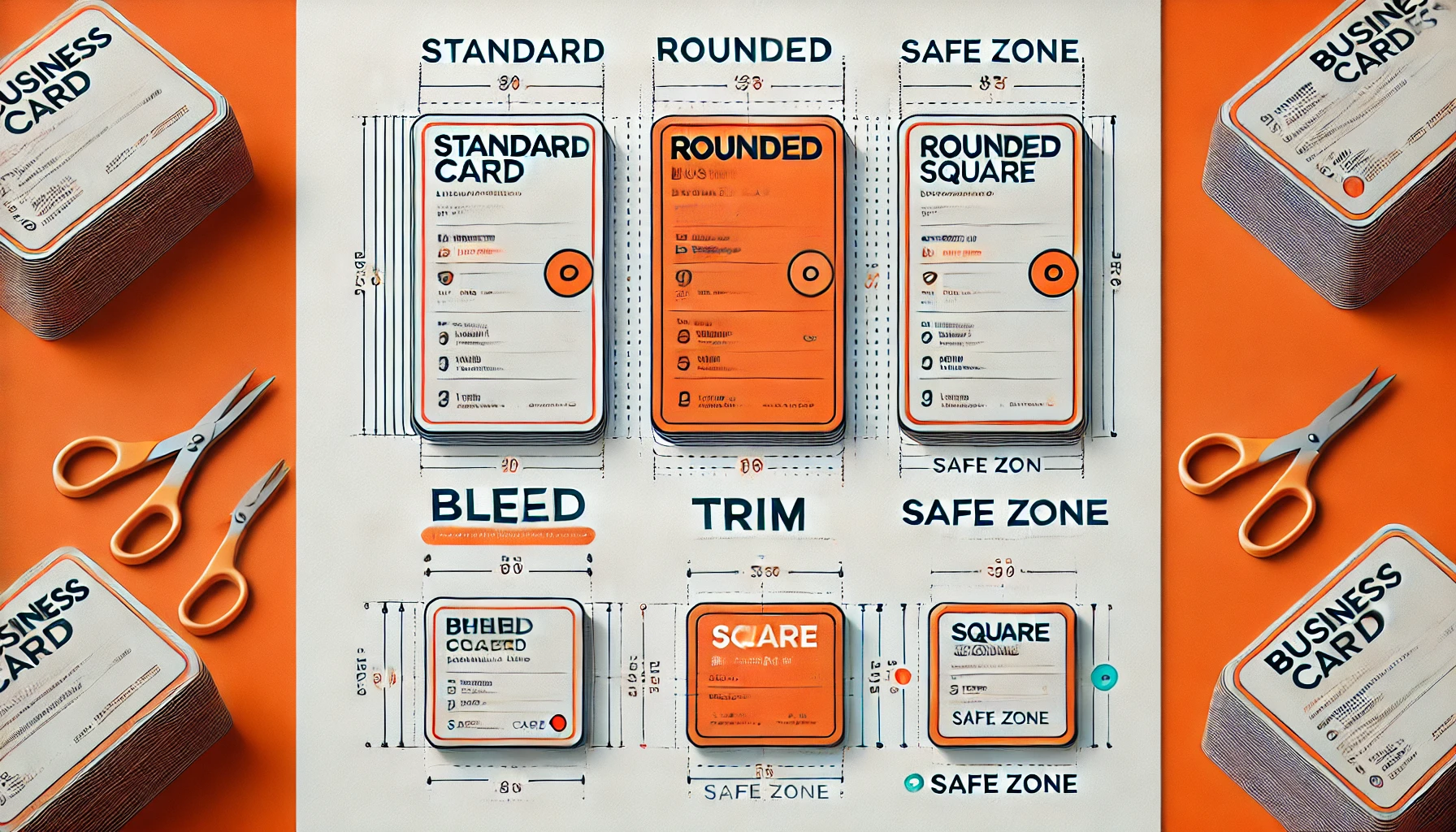
Standard Business Cards (3.5″ x 2″)
This rectangular shape is the industry standard, offering ample space for text, logos, and images. It’s ideal for professional settings where recognisability and conformity matter. The standard card is universally accepted and fits in almost every cardholder.
Square Business Cards (2.5″ x 2.5″)
Square cards break the mould with equal sides, offering a fresh and creative look. Their symmetrical shape draws attention and is excellent for brands that want to showcase a bold logo or a central image. Due to their smaller size, square cards can be a bit trickier to store but stand out visually on event tables or bulletin boards.
Rounded-Corner Business Cards (3.5″ x 2″ with ¼-inch radius corners)
Rounded corners add a subtle, modern twist to the traditional business card. The softer edges make your card feel more approachable and stylish, catching the eye in a stack of sharp-cornered cards. Rounded corners can also reduce wear and tear, helping your card stay in better condition over time.
Rounded Square Business Cards
Feeling adventurous? You can combine the creative square shape with rounded edges to create a distinctive card that merges the best of both worlds—modern style with an eye-catching shape.
business card size
Understanding Design and Printing Dimensions: Bleed, Trim, and Safe Areas
When designing your business card, it’s essential to understand these three key terms to ensure your final print looks perfect:
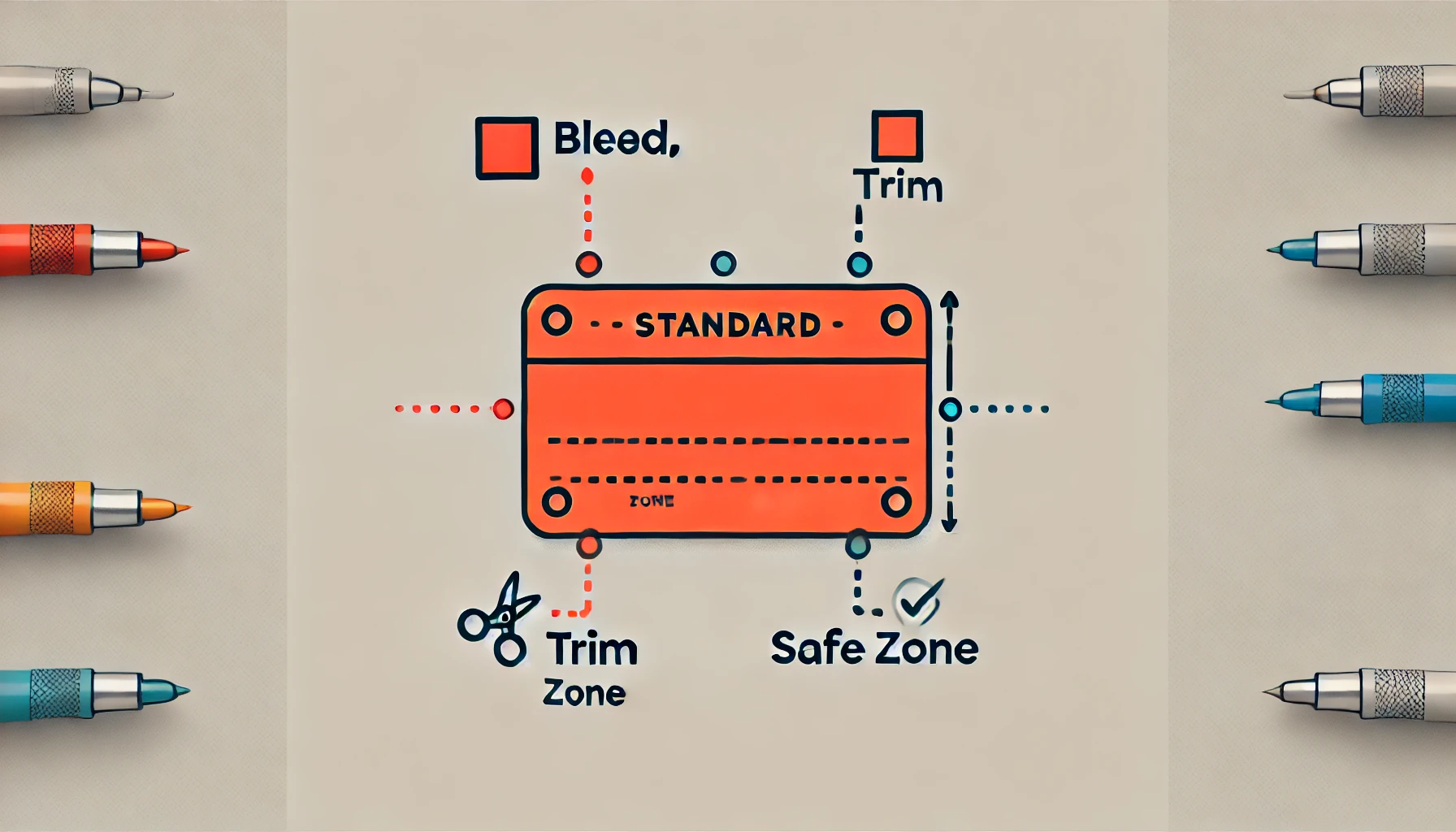
- Bleed Area: Typically 3.61″ x 2.11″ for standard cards. This extends beyond the trim line and ensures that any background colours or images reach the edge of your card without leaving unwanted white borders if the cutting is slightly off.
- Trim Size (Actual Size): This is the final cut size of your card—3.5″ x 2″ for standard cards. Your design should be centred and aligned to this size.
- Safe Printing Area: Usually 3.36″ x 1.86″ for standard cards. Keep all important text and logos inside this area to prevent accidental trimming.
Why These Areas Matter
When the printer cuts your cards, slight variations can happen. By extending backgrounds into the bleed area and keeping critical content inside the safe area, you ensure your card looks polished and nothing important is lost.
Business Card Dimensions in Pixels for Digital Design
If you’re designing your card digitally, knowing pixel dimensions at the correct resolution is crucial:
| Card Type | Bleed (px) | Trim (px) | Safe Area (px) |
|---|---|---|---|
| Standard (3.5″ x 2″) | 1083 x 633 | 1050 x 600 | 1008 x 558 |
| Rounded Corner | 1083 x 633 | 1050 x 600 | 1008 x 558 |
| Square (2.5″ x 2.5″) | 788 x 788 | 752 x 752 | 717 x 717 |
Working with these pixel sizes at 300 DPI ensures your card prints sharp and clear.
Tips for Choosing the Right Business Card Size and Shape
- Match your brand personality: A classic rectangle suits professional industries; creative fields may benefit from square or rounded corners.
- Consider usability: If you want your cards to fit wallets and holders easily, stick to standard sizes.
- Think about storage: Square cards can be memorable but less wallet-friendly.
- Design space: More information may require the standard size; simpler designs can shine on smaller cards.
Special Offers and Discounts
For those ready to print, many companies offer great deals, such as “50 Standard Business Cards for $10” with additional discounts on bulk orders. Keep an eye out for promo codes like VP10 to save even more.
Final Thoughts: Balance Function and Creativity with the Right Dimensions
Selecting the right business card size is a strategic decision that impacts how people perceive your brand and how convenient your card is to keep. Whether you go with the trusted standard, a bold square, or a sleek rounded corner, understanding the precise dimensions and printing guidelines is key to creating a professional and lasting impression.
Here is the question along with a detailed answer based on the search suggestions you provided:
we are providing free design support. Fill out the form and get your dream business card and much more
check out our other products like custom-made boxes.
Check out our websites.
packagingbox.us
Question:
What is the standard business card size, and what are the common variations in dimensions, measurement units, and design considerations like bleed and templates?
Detailed Answer:
1. Standard Business Card Size:
The most common and widely accepted standard size for business cards is 3.5 inches by 2 inches (3.5″ x 2″). This size is designed to fit comfortably into wallets, card holders, and Rolodex files. It is the default size for most printers and design software.
2. Business Card Size in Different Units:
- Inches: 3.5″ x 2″ (standard size)
- Millimeters (mm): Approximately 89 mm x 51 mm
- Pixels: When designing for digital or print, pixel dimensions vary depending on resolution (DPI/PPI). For example, at 300 DPI (dots per inch), the standard size is 1050 x 600 pixels.
3. Design Software Sizes:
When designing a business card in software like Photoshop or Illustrator, it’s important to set the document size to the standard dimensions plus additional space for bleed. This ensures that when trimmed, no unprinted edges remain. Typical bleed is 0.125 inches (3 mm) on each side.
4. Business Card Size with Bleed:
- Document size with bleed: 3.75″ x 2.25″
- This includes the 0.125″ bleed area on all sides for trimming accuracy.
5. Templates:
Many design programs and printing companies provide business card templates that include standard sizes, bleed lines, and safe zones. Using a template helps maintain proper spacing of text and logos to avoid cutting off important information.
6. Other Variations:
- Square Cards: 2.5″ x 2.5″
- Folded Cards: Usually 3.5″ x 4″ (folded in half to standard size)
- Rounded Corners: Same dimensions but with rounded edges for a unique look.
7. Speciality Cards:
Some businesses opt for custom sizes or shapes to stand out, but these may not fit standard holders and can be more expensive to print.
Summary:
For most professional uses, stick to the standard size of 3.5″ x 2″ or 89 mm x 51 mm with a 0.125″ bleed area. Use proper templates in Photoshop or Illustrator to ensure correct layout and printing. Square or custom shapes are options but less common.